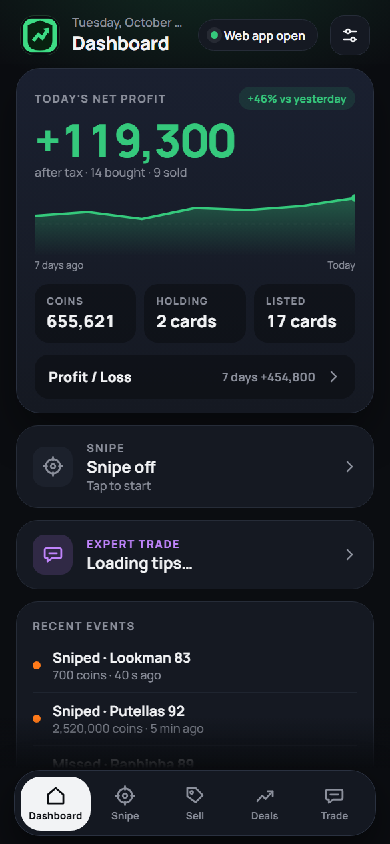
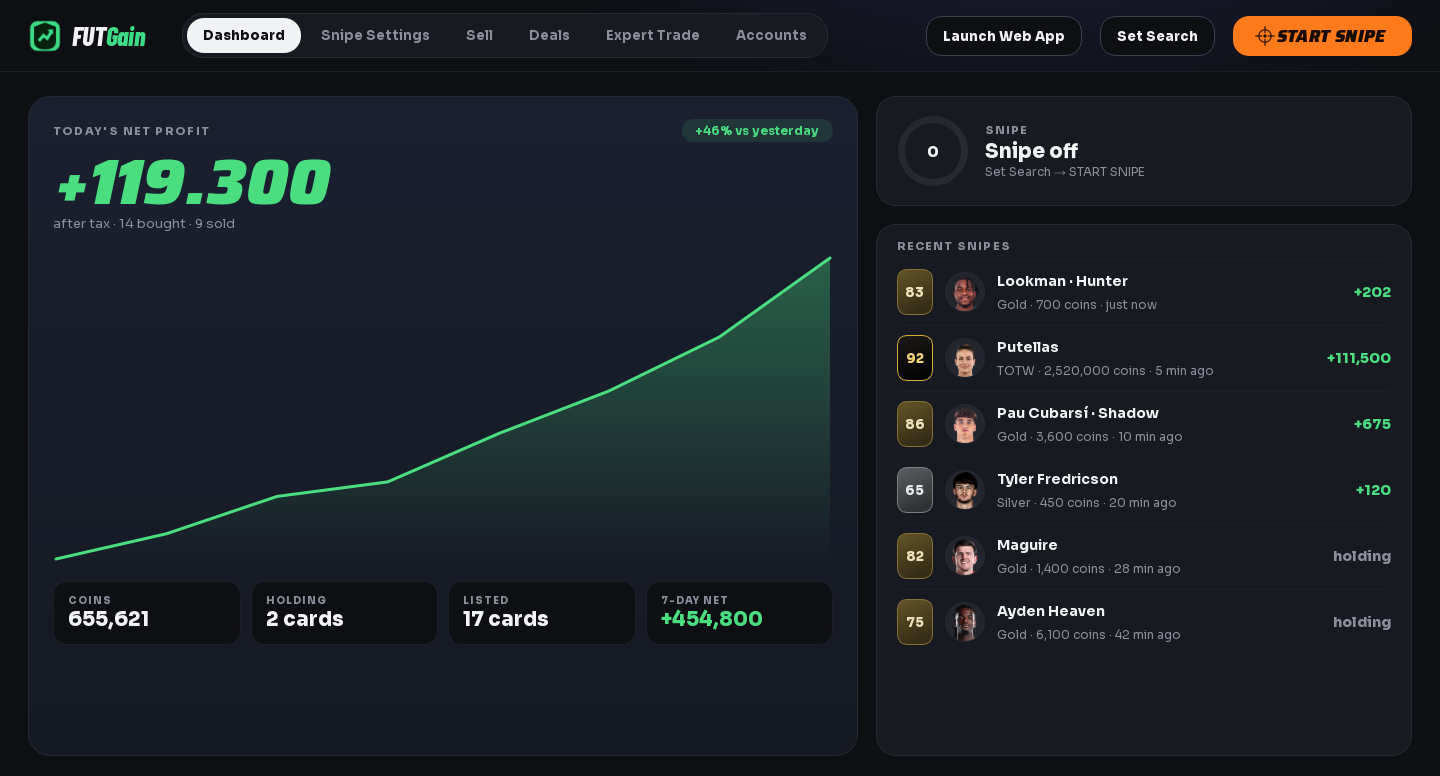
FUTGain snipes on the web app with your search, lists every card at the price it measures from the market and tracks your profit day by day. Away from your PC? It's all on your phone.
You set the search, FUTGain does the rest: it searches, buys, measures and lists. You just watch the profit.
Max buy now, Safe Sniping (skips when it sees too many listings), excluded players and adjustable pace with breaks. Every search result, live.
Lists every card it buys at the price it measures on the market - chemistry cards like Shadow or Hunter at their own chemistry price. Loss protection never sells below what you paid.
After-tax net profit, a daily chart, recent snipes and cards on the transfer list - with player photos, colored by card type.
When the market drops, it lowers your max buy now to keep the profit you planned - and raises it back when prices recover.
On the days and times you choose it starts sniping or lists what you hold - while you're at work, at school or asleep.
Trader tips right inside the panel: which card, at which price. One tap turns a tip into a search.
No app store, no install: open it on your phone, add it to your home screen and pair it with the code from your PC.
Install FUTGain on your PC and enter the license key you received. It comes with its own browser.
Sign in with your EA account, pick a player or filters and set your max buy now. You only do this once.
The bot searches, buys and lists. You follow the profit on the Dashboard or on your phone.
Start with Standard and upgrade to Ultimate Plus any time - no reinstall needed.
Your password stays only on your own PC, encrypted to your Windows user. It is never sent to our server or to your phone.
Yes. FUTGain runs on your PC; the phone app controls it remotely. When the PC is off, there is no sniping.
Yes, it runs on Windows and macOS.
The bot works with a human-like pace, random intervals and breaks, and stops sniping on its own if EA shows a block. Still, automation on the web app is against EA's rules and the responsibility lies with the user.
Yes. Just enter the upgrade code in the panel; no reinstall needed.
Message us for license and pricing details - we also help you with the setup.
Contact us